AI in Business
Your own MCP servers: Kasimir opens up to your tools
Ticket system, documentation search, internal tool: with MCP, Kasimir brings the tools of other services right into the chat. Open to everything – and still with clear rules.
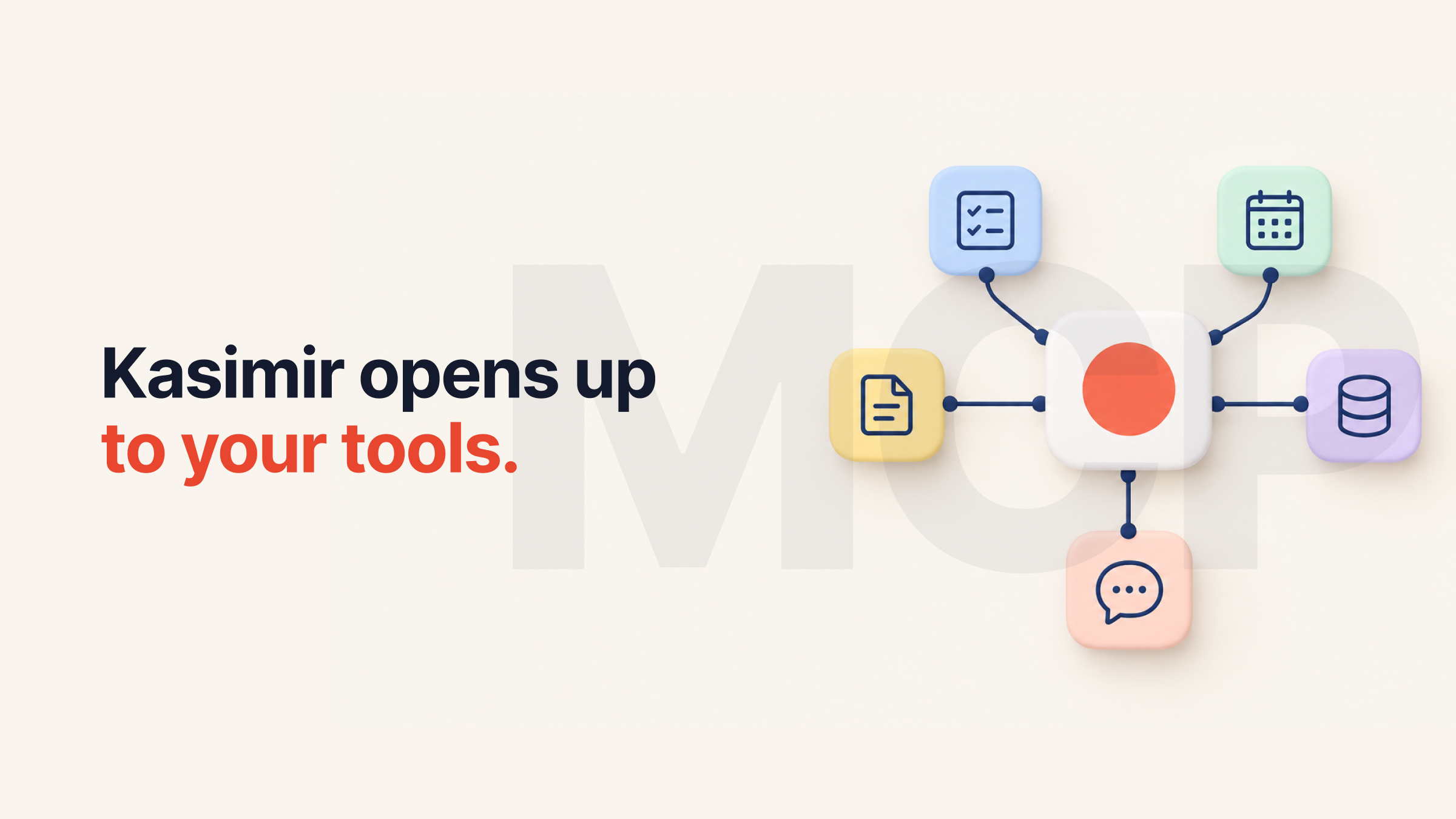
Monday morning, weekly planning. The open tasks live in the ticket system, the technical documentation sits in another tool, and you want to write the summary for your team in Kasimir. Until now that meant: switch tabs, copy, paste, go back, copy again.
From today, Kasimir can look things up itself. With your own MCP servers you bring the tools of other services right into your chat. Kasimir searches the ticket system, checks the documentation and – if you agree – creates the new task straight away.
What is MCP?
MCP stands for Model Context Protocol. It is an open standard that Anthropic introduced at the end of 2024 and that many large providers have adopted since. The idea is simple: a service offers its functions through an MCP server, and every AI assistant that speaks MCP can use them.
Think of MCP as a universal plug. Devices used to need their own cable each. Today one plug fits everywhere. In the same way, an AI platform no longer has to build a separate connection for every service. The service provides an MCP server once, and everyone can connect.
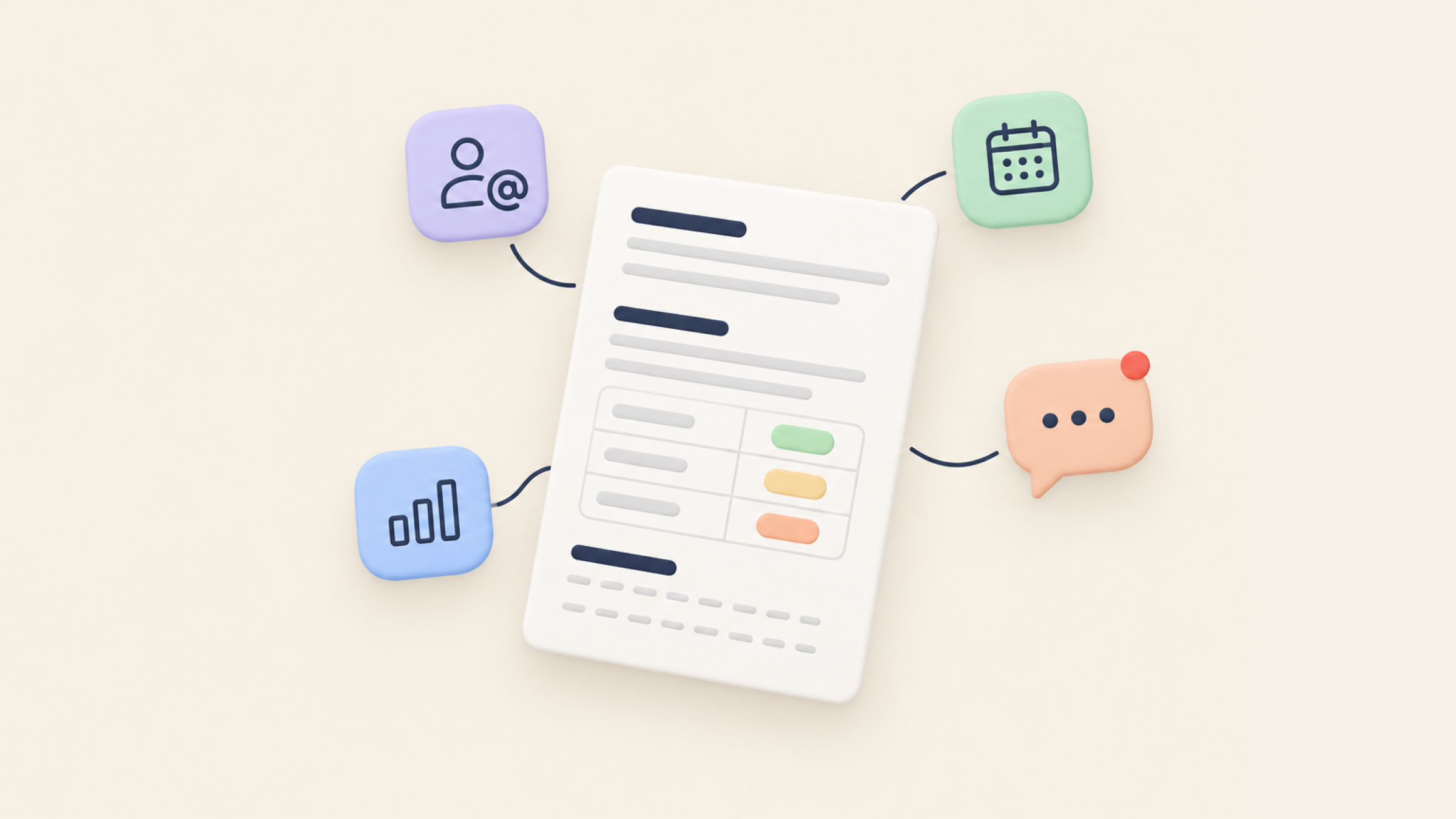
An MCP server offers tools, for example "search tasks", "search documentation" or "create task". Kasimir sees which tools exist and decides during the conversation which one fits.
Why this matters to you
Your toolbox grows with you. Every service with an MCP server becomes a tool in Kasimir, without us having to build a dedicated integration first. More and more providers of project management, ticket systems, developer tools and knowledge bases offer such servers.
Your own tools, too. MCP is not a privilege of big providers. If your team writes a small MCP server, for example for inventory management or an internal order book, Kasimir can use it just the same.
The idea came from you. The request for MCP came straight from our customers. That is exactly how Kasimir should grow: around what you really need in your daily work.
Open, but not without rules
A tool that searches external systems or even creates things there needs clear rules. That is why Kasimir follows one principle: open to everything – but a human always decides.
Locked at first: Your own MCP servers stay off until owners or admins turn them on for the company.
Each address approved individually: If someone wants to use a new server, they submit a short request with a reason. Kasimir checks the address automatically beforehand and gives the admins a check report: is the server reachable, which sign-in does it require and – where possible – which tools does it offer, and do they read or write? A human makes the decision.
Reading runs, writing asks: Kasimir uses reading tools directly. For writing tools, Kasimir first shows a card with all details, and nothing happens until you click "Run".
New tools start off: If a server adds new tools later, they stay switched off until you deliberately turn them on.
Reversible at any time: Admins can block individual tools company-wide or revoke an approval. The server is then blocked immediately and stored credentials are deleted.
Data, not commands: Kasimir treats whatever a tool returns as data from the external service and never as an instruction. A command smuggled into a ticket will not make Kasimir do something else.
Traceable: All approvals and decisions are recorded in the log, and below every answer you can see which tools Kasimir called.
What it looks like day to day
You ask: "Which open tasks in the website relaunch project are due this week?" Kasimir searches the ticket system, sorts by due date and summarises who is working on what.
You write: "Create a task for the bug in the contact form, high priority." Kasimir prepares the task and shows you the card with title, description and priority. You check it, click "Run", done.
Or you work with a software library and need the documentation for the current version. Through a documentation server, Kasimir looks it up there instead of relying on older knowledge.
Ready in three steps
Enable: An owner or admin turns on "Allow personal MCP servers" under Administration → Integrations.
Connect: Under Integrations → Your own MCP server you enter the address. You can sign in without credentials, with an API key or directly with your account at the provider. If the address is not approved yet, a short request goes to your admins.
Get going: In the chat, turn the server on under Knowledge sources and ask as usual.
You'll find all the details in the handbook.
What comes next
For now, your own MCP servers apply to private chats. Next we will bring them to teams and projects, so a whole team can use the same tools.
And for services that don't offer an MCP server yet: tell us which ones you need. As this feature shows, your wishes don't end up in a drawer.
GDPR-compliant AI from a real German data center
Kasimir runs on its own infrastructure in Germany — no detour via US providers, no CLOUD Act reach.