AI in Business
Writing together: share, comment on and edit artifacts with Kasimir
One text, several people, one AI: artifacts can now be shared, edited together live and commented on – and Kasimir works right inside the comments.
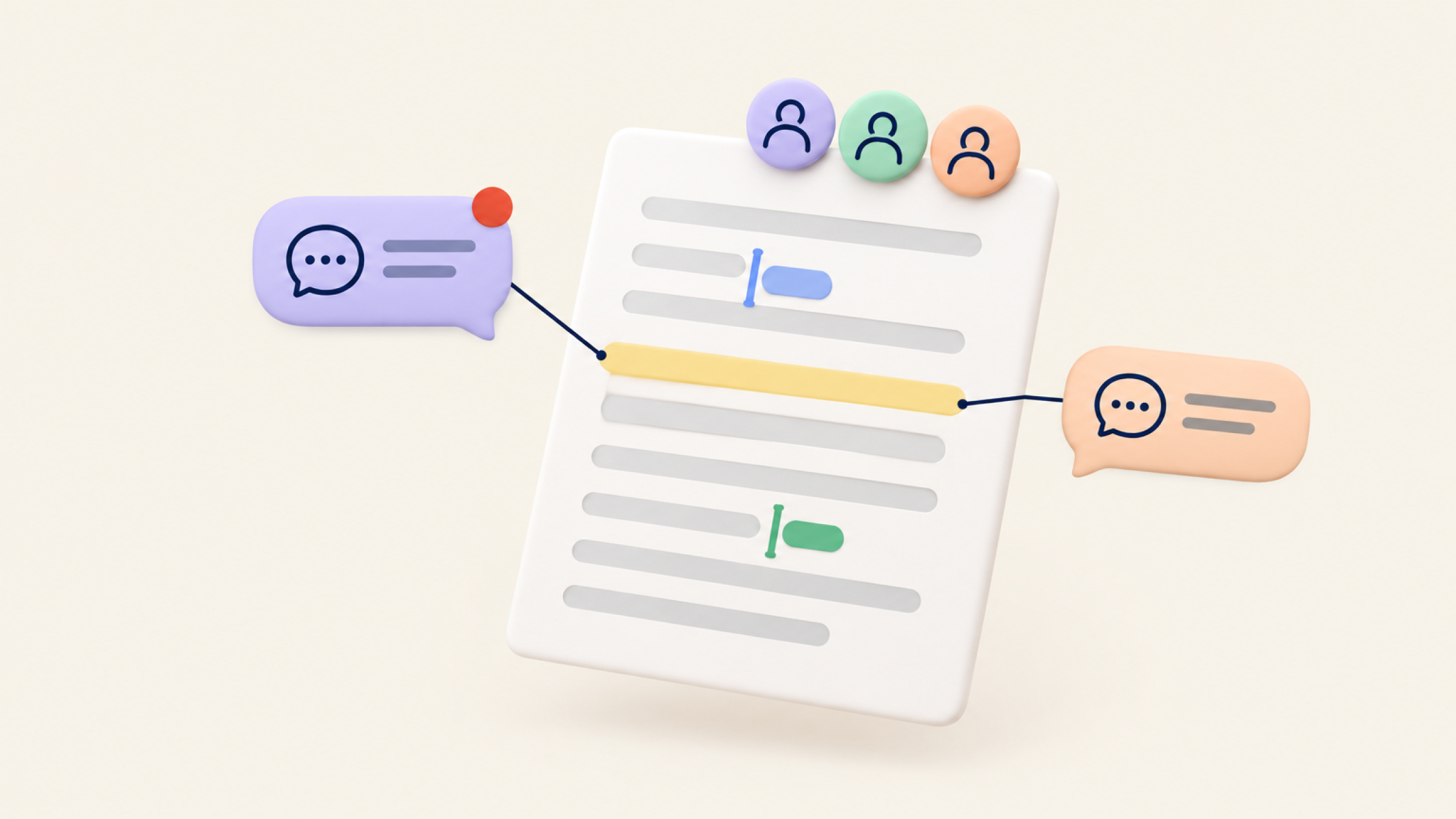
A new travel expenses guide needs to be finished. Kasimir wrote the first draft. Now accounting should check the figures, the team lead should add the exceptions and HR should take a look at the wording. Until now that meant: copy the text, put it into an email, collect the replies and merge everything back together by hand. (The example is made up, but typical.)
From today, you can do this right in Kasimir. Artifacts can be shared, edited together and commented on – and Kasimir works along with you.
What are artifacts?
When Kasimir writes a letter, an email, a report or a guide in the chat, the text doesn't land in the middle of the conversation but in its own editor. There you can keep writing, let Kasimir change specific passages and restore earlier versions. In Kasimir, these texts are called artifacts.
Until now, an artifact belonged only to you – or could be read by everyone in a project. Now it becomes a shared document.
Sharing with clear roles
Use Share at the top of the editor to pass an artifact on: to individual people, a team, a project or the whole company. For each share you choose a role:
View: read, follow along live, see versions and download.
Comment: also comment on passages, reply and ask Kasimir in a comment.
Edit: also write along, let Kasimir make changes and share the text further yourself.
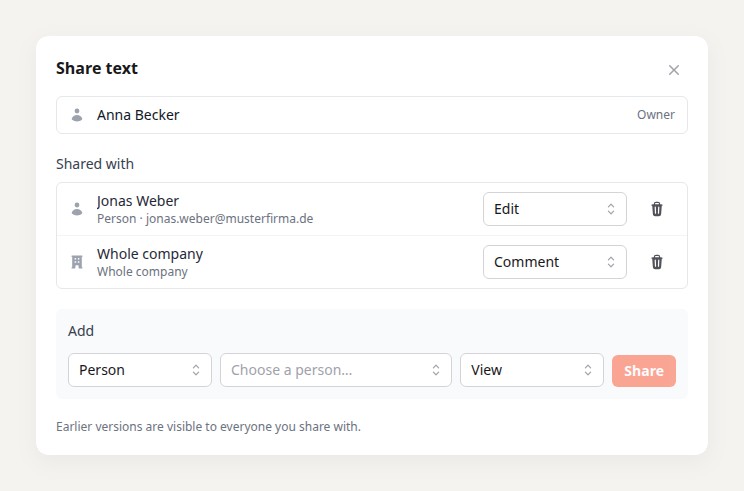
Everything others have shared with you is under Artifacts in the Shared with me tab – with the owner and your role. And changes take effect immediately: if you withdraw access, the artifact closes for that person, even if they have it open. If someone gets more rights, they can keep writing without reloading.
At the same time, in the same text
Everyone with edit access writes at the same time in the same artifact. Every keystroke appears instantly for the others, and at the top you can see who's in the text. Nobody has to wait for someone else to be "done", and there are no copies called "final_v3_corrected".
Kasimir writes along – always with the rights of the person asking. If you have edit access, Kasimir changes the text live for you; the passage is marked "Kasimir · for …", and everyone else can keep writing elsewhere. If you can only read, Kasimir only reads too. So view access never turns into edit access through the AI.
With Use in chat you bring an artifact shared with you into a chat, for example to summarise it or prepare a reply.
Comments – including to Kasimir
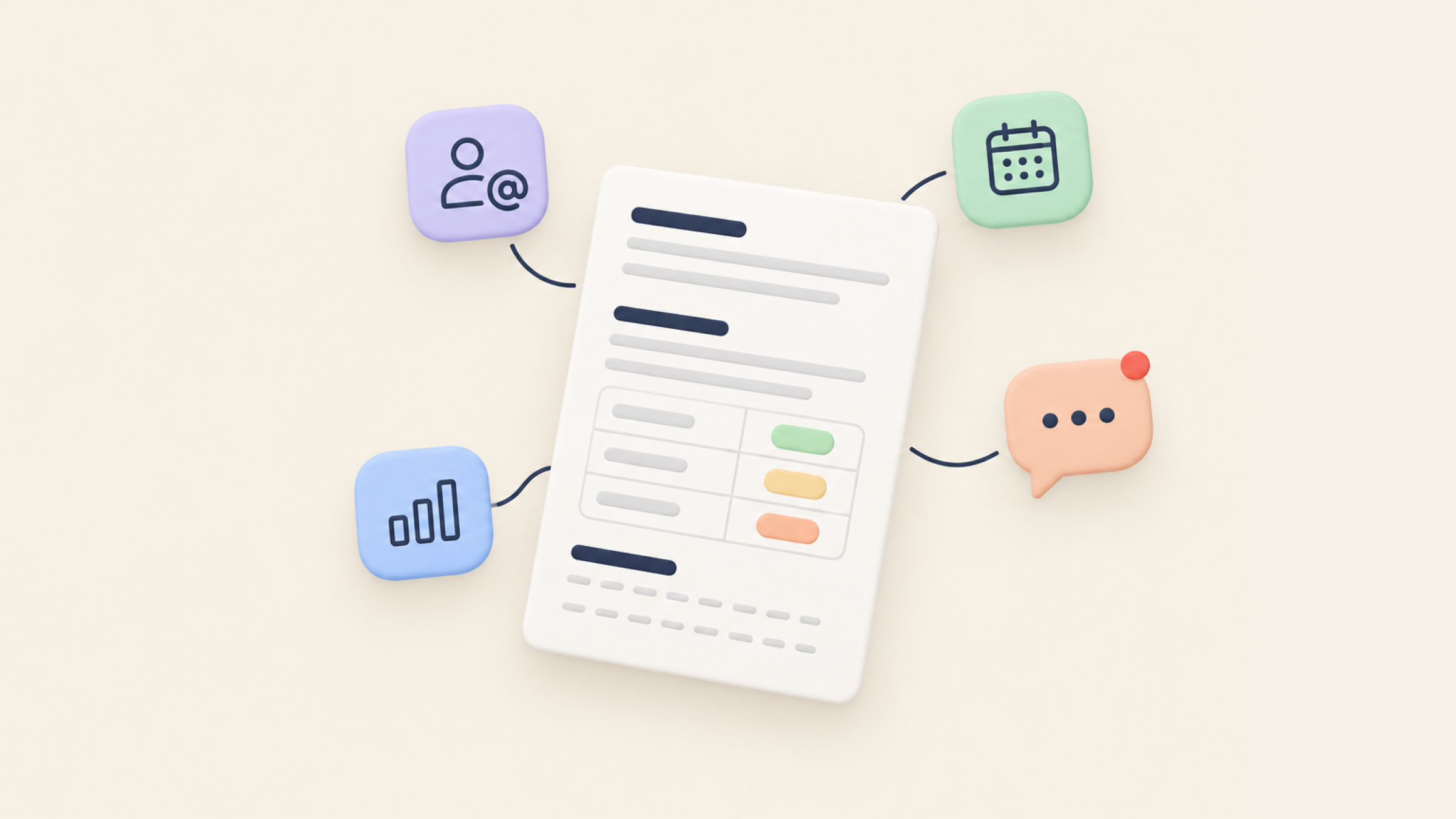
Select a passage and click Comment. The comment appears next to the text, with replies below. Use @ to mention someone who can read the artifact. They get a notification in their inbox and by email. Resolved threads move to "Resolved" and remain readable.
The special part: you can send a comment to Kasimir. For example, write on a paragraph: "Add that exceptions must be agreed with the team lead in advance." Kasimir replies in the thread, changes the text directly and says what it changed. If you can only comment, Kasimir just suggests the change – the decision stays with those who are allowed to edit.
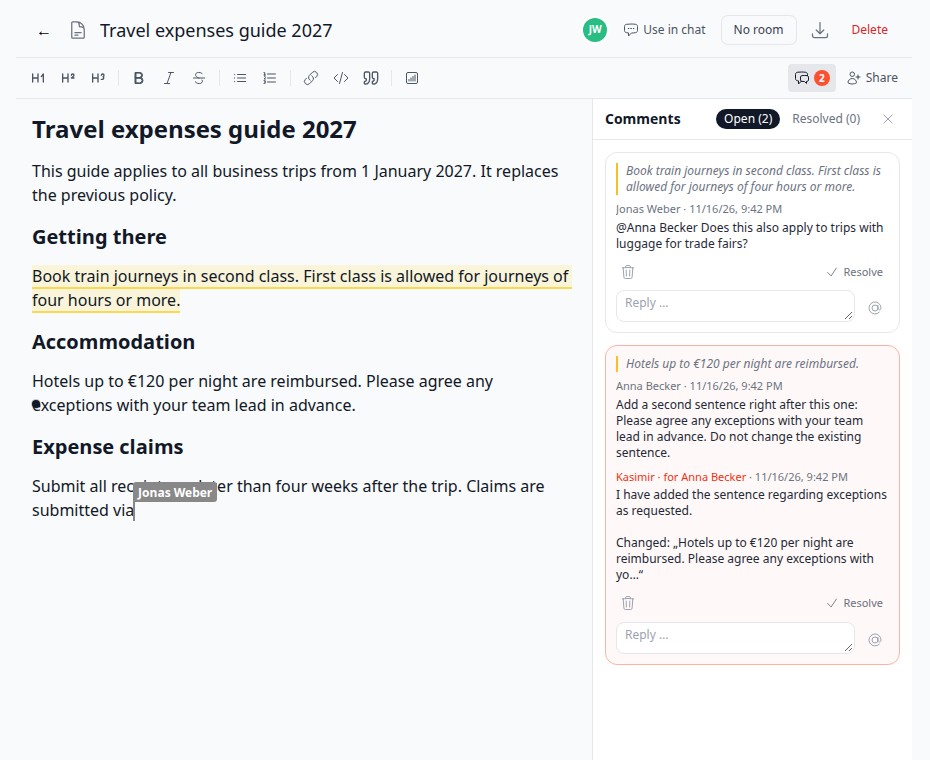
For a comment request, Kasimir only uses the artifact and the thread itself: no web search, no files, no connections. That way it's always clear where a change comes from.
Where this pays off
Policies and guides: One draft, several experts, one version. Questions are settled right at the passage.
Offers and tenders: Sales writes, engineering adds, management comments – all in the same text.
Minutes and reports: Kasimir delivers the draft, the team corrects it together, and Kasimir works in remarks via comments.
Texts for the whole company: With "View" for everyone and "Edit" for a few, a template stays in one place and always up to date.
Secure and under your control
Only within your company: Sharing only works inside your workspace.
Permissions for admins: Owners and admins decide under Administration → Roles and permissions who may share with teams, projects and the whole company ("Share artifacts with teams, projects and the whole company"). Anyone who can edit an artifact can share it with individual people.
Immediate withdrawal: Withdrawn access applies immediately, not only after the next reload.
Transparency: As the owner you get a notification when someone else changes the shares. And everyone you share with can also see earlier versions.
Data in the EU: Like everything in Kasimir, shared artifacts and comments stay in the EU.
How to get started
Open an artifact: Let Kasimir write a text in the chat or open an existing one under Artifacts.
Share: Click "Share" at the top, choose a person, team, project or the company and the right role.
Work together: Write together, comment on passages and send requests with "Send to Kasimir".
The feature is available in all workspaces now. You'll find all the details in the handbook.
GDPR-compliant AI from a real German data center
Kasimir runs on its own infrastructure in Germany — no detour via US providers, no CLOUD Act reach.